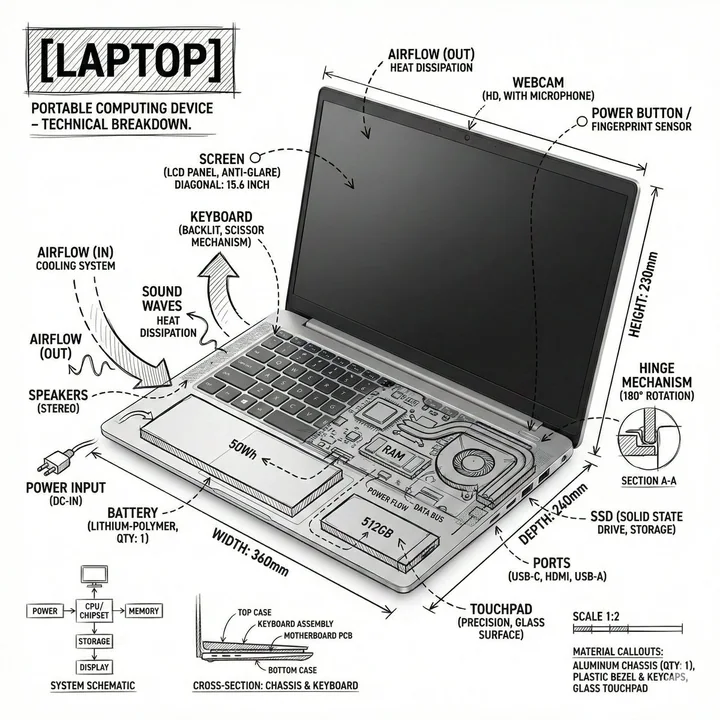
Exploded view of the internal structure of a laptop in a black-and-white minimalist line style
Prompt
Create an infographic image of a laptop, combining a realistic photograph or photoreal render of the object with technical annotation overlays placed directly on top. Use black ink–style line drawings and text (technical pen / architectural sketch look) on a pure white studio background, including: • Key component labels • Internal cutaway or exploded-view outlines • Measurements, dimensions, and scale markers • Material callouts and quantities • Arrows indicating function, force, or flow (air, sound, power, pressure) • Simple schematic or sectional diagrams where relevant Place the title [OBJECT] inside a hand-drawn technical annotation box in one corner. Style & layout rules: • The real object remains clearly visible beneath the annotations • Annotations feel sketched, technical, and architectural • Clean composition with balanced negative space • Educational, museum-exhibit / engineering-manual vibe Visual style: Minimal technical illustration aesthetic, black linework over realistic imagery, precise but slightly hand-drawn feel. Color palette: White background, black annotation lines and text only. No colors. Output: 1080×1080, ultra-crisp, social-feed optimized, no watermark.
More prompts
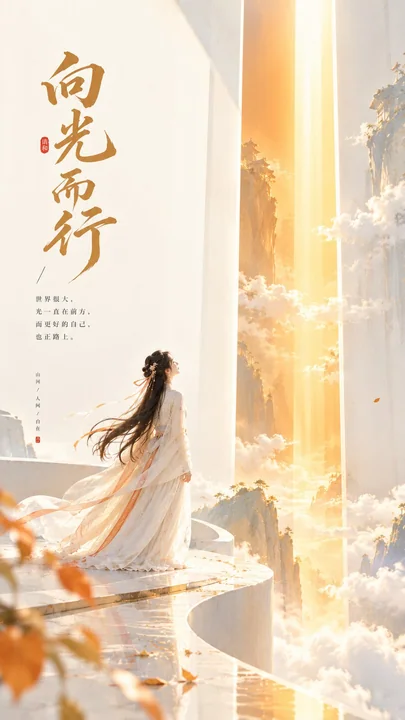
东方禅意极简光带海报
Theme direction: Oriental Zen minimalist cover poster Style branch: High-viral conceptual type Subject content: An ancient-style woman standing on the edge of a light-colored platform, looking sideways at a vertically falling strip of light
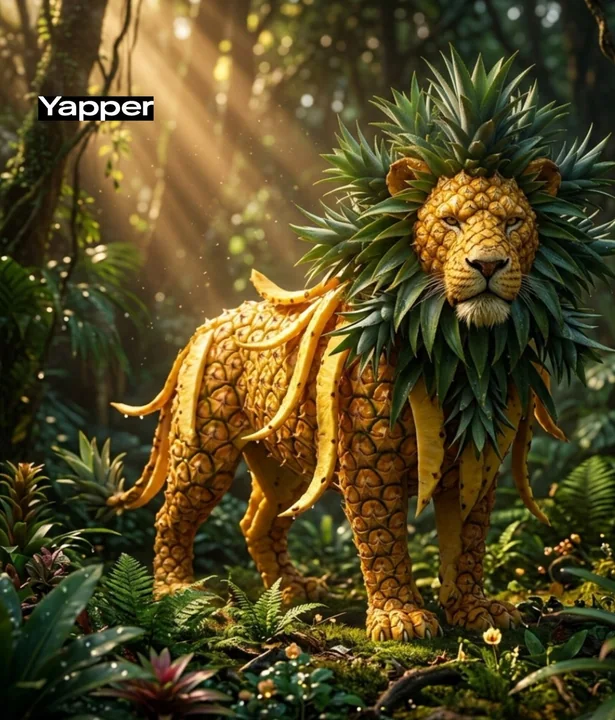
奇幻西瓜大象雨林奇遇
A whimsical elephant made from a giant watermelon. The body has deep green striped watermelon skin, with partially sliced sections revealing bright red juicy interior with seeds. The ears are shaped like large watermelon slices, slightly tr
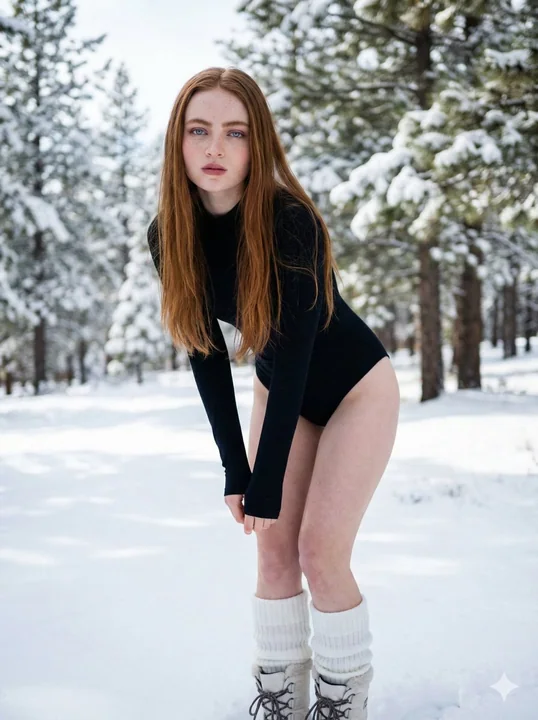
雪地森林中的黑色紧身衣超写实人像
{ "model": "ultra-realistic-photography", "prompt": "Ultra-realistic winter portrait of a young woman standing outdoors in a snowy forest, Brown blonde long straight hair, fair porcelain skin, soft natural freckles, light pink blush and glo
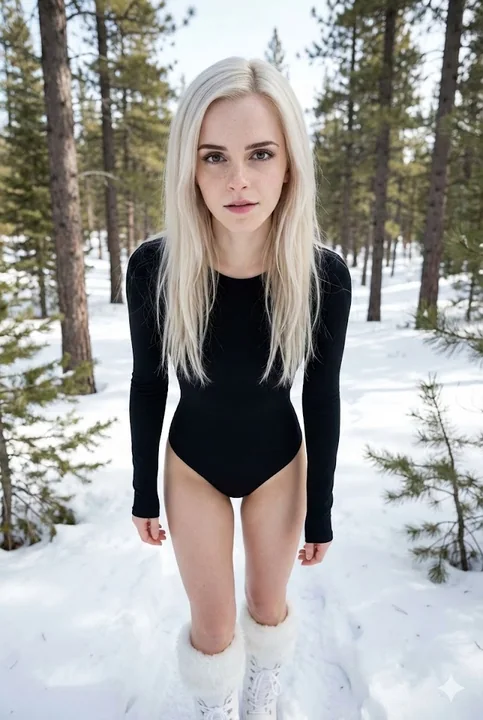
雪林光影下的极简风冬日时尚人像
{ "meta": { "project_name": "Winter Minimalist Portrait", "model_type": "ultra-realistic-photography", "aspect_ratio": "2:3" }, "prompt_structure": { "subject_details": { "demographics": "young woman", "hair": "platinum blonde, long, straig
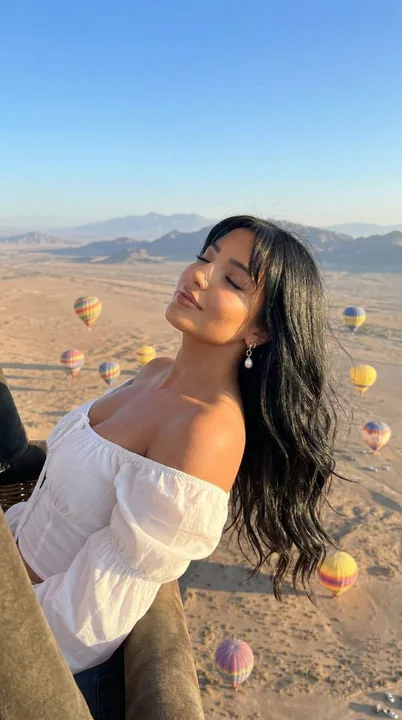
沙漠热气球上的阳光少女
{ "meta": { "project": "Desert_Balloon_Cinematic_Portrait", "model_intent": "photoreal_editorial_cinematic", "language": "en", "notes": "Luxury travel editorial portrait captured from a hot air balloon over a vast desert landscape." }, "pro
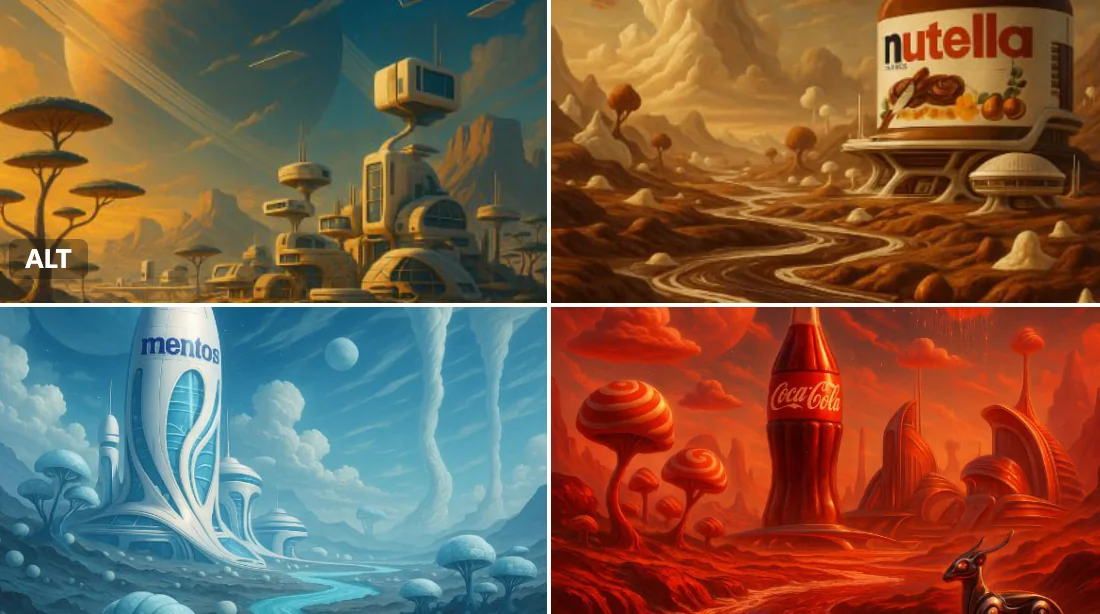
Brand Planet World
Planet [Brand name], Year 3025. A distant world entirely shaped by the essence of the brand. The landscapes echo its core identity — from surreal terrains to fantastical weather patterns. Native flora and fauna embody its signature ingredie
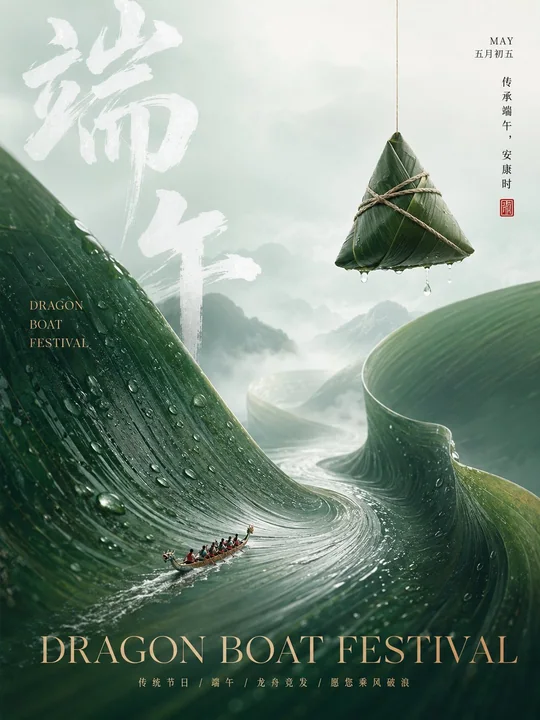
东方极简超现实高端节日品牌海报
Vertical high-end {Festival/Solar Term} brand poster, 3:4 ratio, combining Oriental minimalist aesthetics with surreal commercial photography. The overall color tone is {Primary Color 1}, {Primary Color 2}, {Auxiliary Color 1}, {Dark Accen
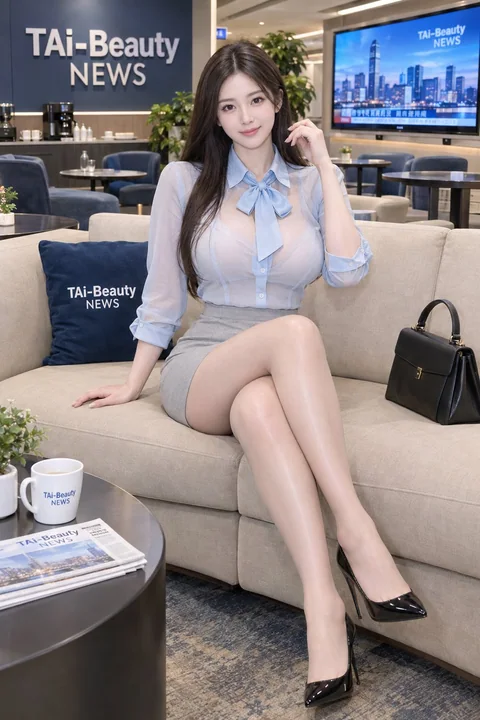
职场新闻演播室优雅女性时尚写真
## [Subject Description] An adult woman with fair skin and naturally full breasts, elegant feminine figure, seated gracefully on a beige upholstered sofa with her legs crossed. She has long, straight dark-brown hair with a center part, flo
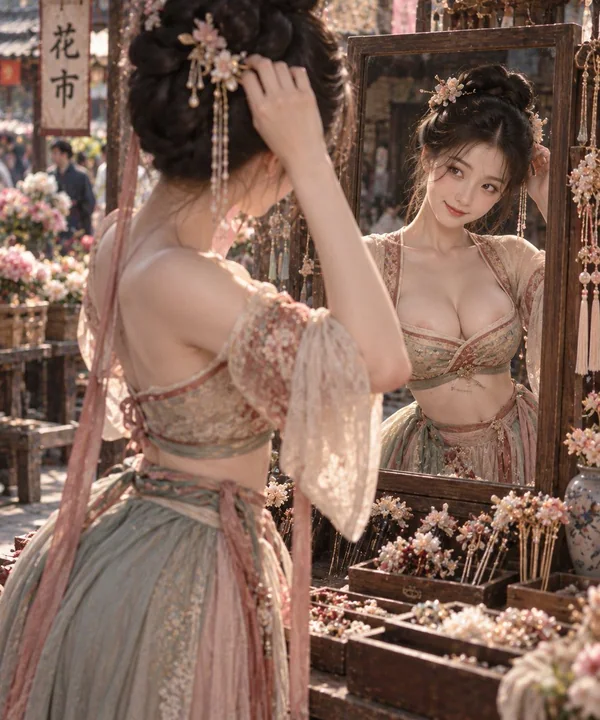
半臂宫衣花市挑簪细腰美态
Half-sleeved palace dress; clear shoulder lines; fabric naturally supported by the body shape; large area of skin exposed on the chest, slender waist is evident; clear waist-to-hip ratio; picking hairpins at a flower market; bowing head to